

If you’re wondering whether a g sensor dash cam is worth it, the short answer is yes for most drivers who want automatic crash detection and better evidence after an incident. A G sensor helps a dash cam notice sudden impacts or hard braking, then lock the clip so it is less likely to be overwritten. It does not replace safe driving or a good parking setup, but it can make a real difference when you need proof of what happened. Here’s how it works, what it does well, and what to check before you buy or install one.
📖 Table of Contents
- What Is a G Sensor in a Dash Cam?
- How a G Sensor Works with Loop Recording and Continuous Recording
- Do Dash Cams Record All the Time? It Depends on Power and Mode
- Does Dashcam Record Audio and Sound?
- Motion Sensor Dash Cam vs G Sensor Dash Cam: Which Do You Need?
- How to Set Up a Dash Cam for Reliable Evidence
- Troubleshooting a G Sensor Dash Cam
- FAQ
- Conclusion
📌 Key Takeaways
- A g sensor dash cam detects sudden motion changes and saves the clip as an event file.
- It works best when paired with loop recording on dash cam features, so old footage keeps rolling and important clips stay protected.
- Whether a dash cam records sound, video all the time, or motion events depends on the model and power setup.
- The best choice is the one that matches your parking habits, driving time, and need for evidence after a crash or theft claim.
What Is a G Sensor in a Dash Cam?
If you have asked what is g sensor in dash cam terms, think of it as a motion detector for force. The sensor measures acceleration and impact, then tells the camera that something unusual happened. That can include a collision, sudden stop, or strong bump from another vehicle or object.
When the sensor triggers, the dash cam usually protects that clip from being erased during loop recording. That matters because a standard camera can keep overwriting old files as the memory card fills up. The G sensor helps mark the moments you may need most later for an insurance claim or police report.
What the G sensor does well
It helps preserve evidence after a crash or hit-and-run. It can also reduce the chance that a key clip gets lost in normal recording cycles. For many drivers, that is the main reason to choose a g sensor dash cam in the first place.
What it does not do
A G sensor does not prove fault by itself. It only shows that a force event occurred. You still need clear video, the time stamp, and if possible, a full view of the road and surrounding traffic.
How a G Sensor Works with Loop Recording and Continuous Recording
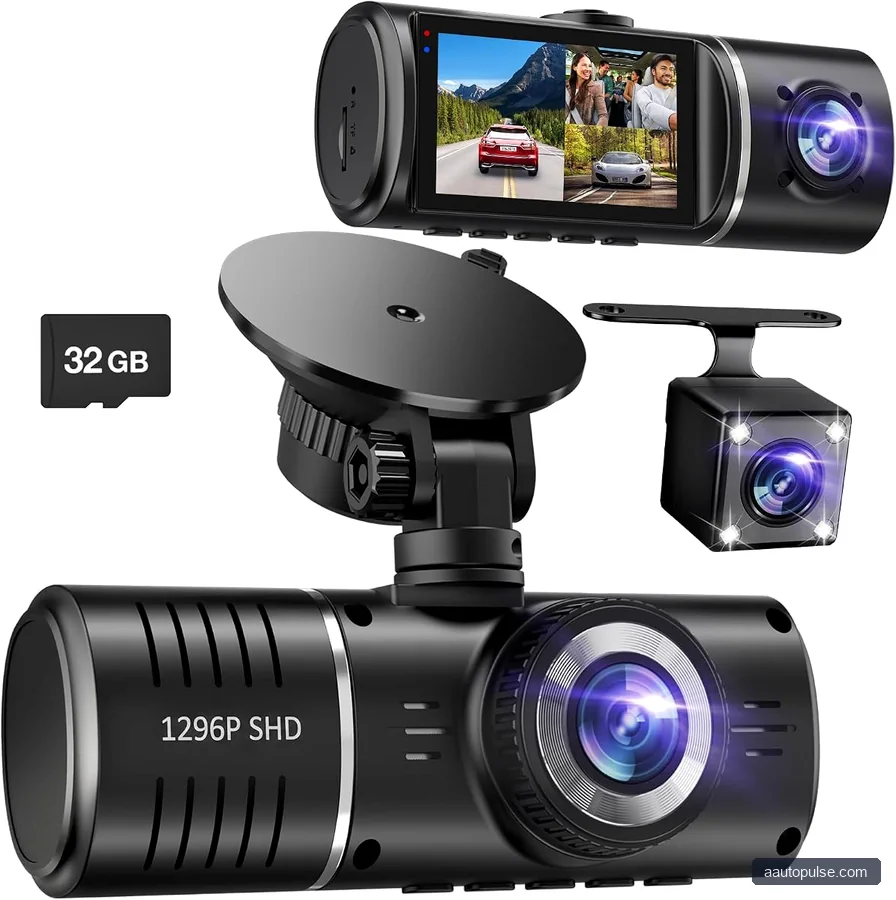
To understand a dash cam with continuous recording, it helps to know that most cameras record in short clips and keep writing over the oldest files. That is called loop recording on dash cam systems, and it is how many models avoid running out of space. In simple terms, the camera stays on and keeps recording while the car is powered.
If you are asking what is loop recording on a dash cam, the answer is that it is a storage cycle. The camera records, saves, and then replaces the oldest regular clips once the card is full. Event clips triggered by the G sensor are often stored in a protected folder so they are harder to overwrite.
| Feature | What it does | Why it matters |
|---|---|---|
| Loop recording | Overwrites the oldest normal footage | Keeps the camera recording without manual file management |
| G sensor event lock | Saves impact footage in a protected file | Helps preserve crash evidence |
| Parking mode / motion mode | Records while parked when motion or impact is detected | Useful for theft, vandalism, and parking lot incidents |
In practice, the best setup often combines loop recording with G sensor lock. That gives you ongoing coverage while making sure the most important moments are preserved.
Do Dash Cams Record All the Time? It Depends on Power and Mode
Many drivers ask, do dash cameras record all the time? The answer is: sometimes. Most dash cams record continuously while the vehicle is on, but they may switch modes when parked. A camera can also stop recording if it loses power or the memory card is full and loop recording is not enabled.
So, how are dash cams powered? Common setups include the vehicle’s 12V outlet, hardwiring to the fuse box, or a battery pack made for dash cams. The power source affects whether the camera runs only while driving or also while parked.
Common recording modes
- Driving mode: records continuously when the car is on.
- Parking mode: wakes on motion or impact if the camera is wired for it.
- Event mode: saves short clips when the G sensor detects a hit.
If you want a dash cam with continuous recording, check whether the camera supports loop recording and has enough storage to stay stable. Also confirm that the power source supports your use case. A simple plug-in model may be enough for commuting, while a hardwired setup is often better for parked monitoring.
Does Dashcam Record Audio and Sound?
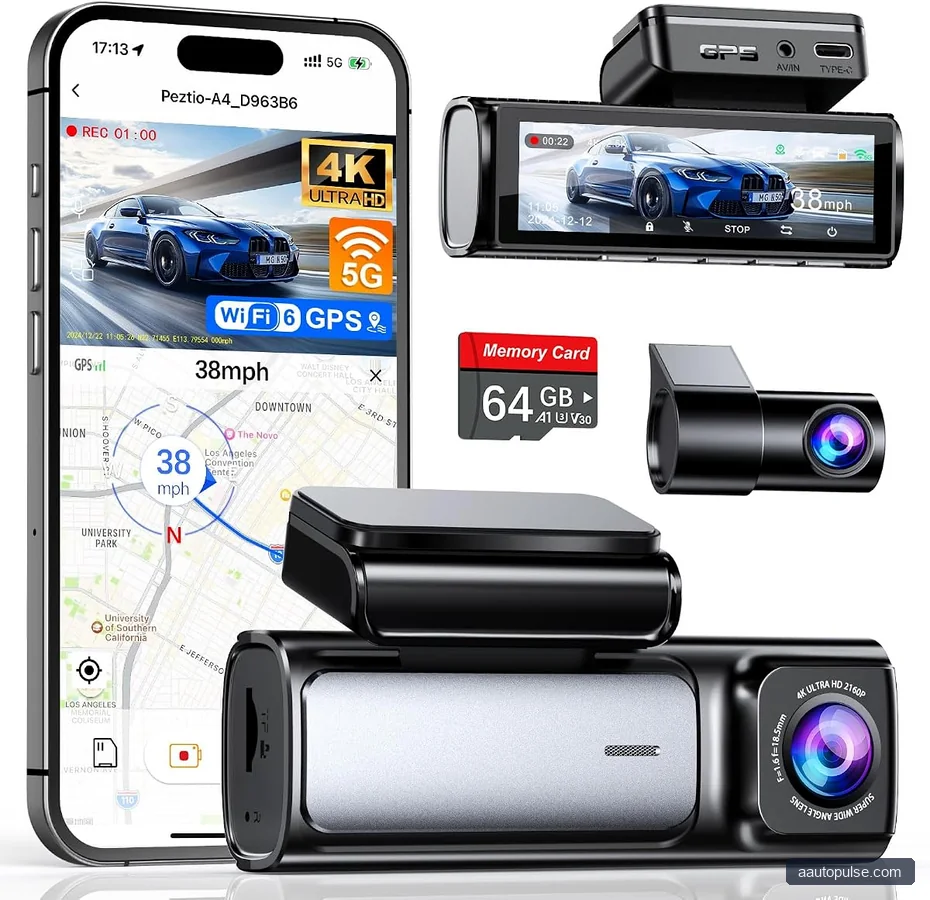
Another common question is does dashcam record audio and do dash cams record sound? Many models can record audio, but the feature is often optional. You can usually turn it on or off in the settings, and some drivers prefer to disable it for privacy.
If audio is enabled, it may capture conversation inside the vehicle, road noise, and nearby voices during an incident. That can help provide context, but it also raises privacy concerns. Before using dash cam audio recording, check your state laws and local recording rules, especially if passengers may be recorded.
When audio can help
Audio may support a timeline when you need to show that another driver admitted fault or a road hazard was called out. It can also help explain what happened before a collision. Still, video is usually the most important evidence.
When audio may be better off
If you regularly carry passengers, rideshare riders, clients, or family members, you may prefer to turn it off. In many cases, a silent camera still gives you strong video evidence without extra privacy issues.
Motion Sensor Dash Cam vs G Sensor Dash Cam: Which Do You Need?
A motion sensor dash cam and a g sensor dash cam solve different problems. Motion detection looks for movement in the camera’s field of view, while the G sensor looks for force or impact. One watches for activity; the other watches for a hit.
| Need | Better fit | Why |
|---|---|---|
| Capture a collision | G sensor dash cam | Locks clips after impact |
| Monitor a parked car for people walking by | Motion sensor dash cam | Wakes on movement in front of the lens |
| Cover both road and parking events | Both features together | Gives broader protection |
Who should choose what? If you mainly want crash evidence, choose a strong G sensor and reliable loop recording. If parking lot damage is your main concern, motion detection and parking mode matter more. If you want the most complete coverage, look for both.
How to Set Up a Dash Cam for Reliable Evidence
Good features are only useful if the setup is right. A dash cam should be positioned to give a clear road view without blocking the driver’s line of sight. It should also have a memory card that matches the camera’s recording demands, or file errors can interrupt footage.
Practical setup steps
- Mount the camera high on the windshield for a wide, stable view.
- Enable loop recording so the camera keeps recording without manual cleanup.
- Set the G sensor to a middle level first, then adjust if it locks too many or too few clips.
- Format the memory card as recommended by the manufacturer before regular use.
- Test parking mode if you plan to use it while the car is off.
One common question is whether a mechanic turns off dashcam during service. Sometimes shops disconnect accessories or use the ignition off while testing a vehicle, which can stop recording. If you want footage during maintenance, ask before service begins and understand that shops may have their own privacy or policy rules.
For vehicle repairs and diagnostics, always verify what the owner’s manual says about accessory power, battery drain, and after-market wiring. That is especially important if you plan to hardwire the camera. A poor install can affect battery health or trigger warning lights in some vehicles.
Troubleshooting a G Sensor Dash Cam
Even a good camera can miss clips or save too many false events. If the G sensor seems too sensitive, the camera may lock clips during potholes or rough roads. If it is too low, it may fail to save a real impact.
| Symptom | Likely cause | What to do |
|---|---|---|
| Too many locked clips | G sensor sensitivity too high | Lower the setting and retest on normal roads |
| Crash clip missing | Card issue, power loss, or wrong setting | Check the card, power source, and event settings |
| Camera shuts off in parking mode | Insufficient parking power | Confirm the hardwire kit or battery support |
If you are reviewing dash cam footage for an insurance dispute, keep the original file and do not edit over it. Save copies separately, and note the time, date, location, and any visible damage. That can help support a smoother claim process.
FAQ
Does a dash cam record sound by default?
Not always. Some models have audio recording on by default, while others keep it off until you enable it in the settings. If privacy is a concern, check your camera menu and local recording laws before using dash cam audio recording.
What is the difference between loop recording and normal recording?
Loop recording on dash cam systems automatically overwrites the oldest regular files when storage fills up. Normal recording may stop when the card is full. Loop recording is what lets many cameras keep running without manual file deletion.
Can a G sensor replace parking mode?
No. A G sensor dash cam can lock footage after an impact, but it does not always record what happened before or after unless parking mode is active. Parking mode is better for watching a parked car when the engine is off.
Why would my dash cam stop recording while parked?
The most common reasons are a weak power setup, unsupported parking mode, or a memory card problem. Check how the camera is powered, whether hardwiring is required, and whether the card is rated for constant video use.
Should I keep audio on in my dash cam?
That depends on your needs. Audio can help explain an incident, but it also records voices and cabin noise. If you drive with passengers often, or if local rules are strict, you may prefer to turn it off.
Conclusion
A g sensor dash cam is a smart choice if you want automatic protection for crash footage and a better chance of preserving evidence. For the best results, pair it with loop recording, choose the right power setup, and decide whether motion detection or parking mode matters most to you. If you are comparing options, focus on how the camera fits your driving and parking habits, then verify installation and power details in the owner’s manual before you buy or wire anything in.


