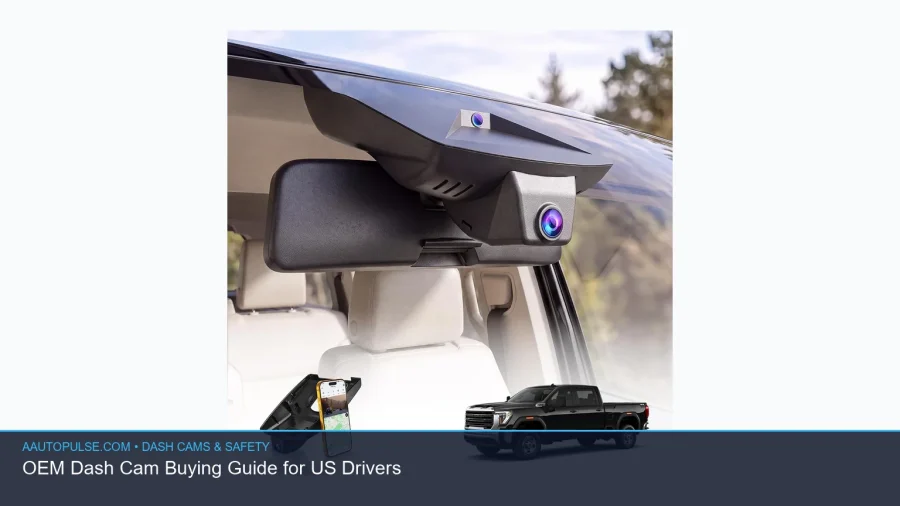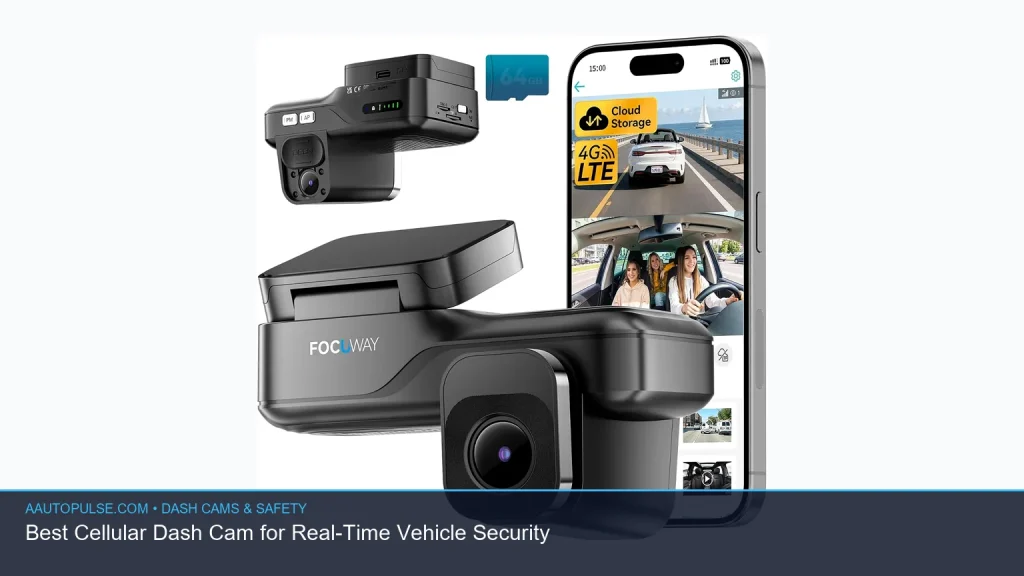
If you want real-time protection for your car, a cellular dash cam is one of the most useful upgrades you can make. Unlike a basic dash cam that only saves footage locally, a cellular model can send alerts, support remote viewing, and help you check on your vehicle when you are away. In this guide, we explain how these systems work, what features matter most, and how to choose the best setup for your needs. If you want a live view dash cam or a dash cam that connects to phone, this will help you decide with confidence.
📖 Table of Contents
- What Is a Cellular Dash Cam?
- Why Real-Time Vehicle Security Matters
- Best Features to Look For in a Cellular Dash Cam
- How to Choose the Right Setup for Your Needs
- Comparison: Which Type of Connected Dash Cam Should You Pick?
- Setup Tips, Cautions, and Common Problems
- FAQ
- Final Verdict: Who Should Buy a Cellular Dash Cam?
📌 Key Takeaways
- A cellular dash cam adds remote access, live alerts, and location features that basic dash cams do not provide.
- The best choice depends on how you park, whether you need a dash cam gps tracking feature, and if you want cloud access.
- Look closely at mobile app quality, LTE support, power options, and parking mode reliability before you buy.
- For many drivers, the most useful setup is a dash cam with cloud storage plus GPS tracking and phone connectivity.
What Is a Cellular Dash Cam?
A cellular dash cam is a dash camera that uses a mobile data connection to share video, alerts, or location data. It may connect through built-in LTE, a hotspot, or a paired phone, depending on the model. That makes it different from a standard dash cam, which usually stores clips on a memory card only.
Many shoppers look for a dash cam lte setup because LTE lets the camera communicate even when you are not near the car. That can be useful for theft alerts, parking incidents, and remote checks. Some systems also include cloud upload, which can protect footage if the camera is damaged or stolen.
Why Real-Time Vehicle Security Matters
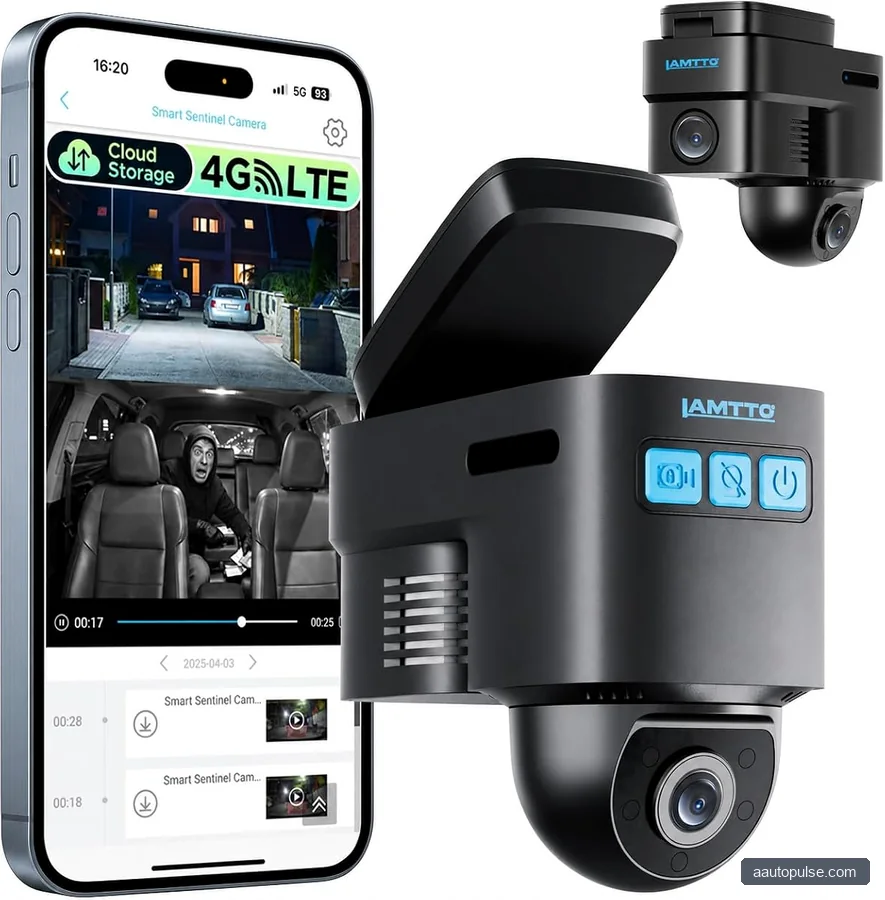
Real-time vehicle security is about knowing what is happening around your vehicle while you are not there. That matters in parking lots, apartment garages, street parking, and fleet use. If an impact, break-in, or towing event happens, a connected camera can notify you faster than a standard unit.
This is also why many drivers want a dash camera with gps tracking. GPS can record where the vehicle is and help match video clips to a location. For drivers who commute, travel, or lend out a vehicle, that added context can make footage much more useful.
Key benefits of connected protection
- Remote alerts: Get notified when motion, impact, or unusual activity is detected.
- Live access: A live view dash cam can let you check the vehicle from your phone.
- Location records: GPS data can show where an event happened.
- Cloud backup: A dash cam with cloud storage can help preserve footage if the card is removed or damaged.
Best Features to Look For in a Cellular Dash Cam
Not every connected dash cam offers the same experience. Some are built mainly for parking alerts, while others are full remote security tools. The right choice depends on how much access you want, how often the car is parked away from you, and how comfortable you are with subscription-based data services.
Below are the most important features to compare before buying.
| Feature | Why It Matters | Best For |
|---|---|---|
| LTE or cellular support | Enables alerts and remote access without needing to be near the car | Drivers who park in public or unfamiliar places |
| Phone connectivity | Lets you manage settings and clips through an app | Anyone who wants a dash cam that connects to phone |
| Cloud storage | Helps preserve events if the camera or card is lost | Security-focused drivers and fleet users |
| GPS tracking | Adds location data to video and event logs | Road travelers and parents monitoring a vehicle |
| Parking mode | Records when the car is off and unattended | City drivers and overnight parkers |
Selection criteria: Start with the purpose of the camera. If your top need is theft protection, prioritize LTE, cloud access, and parking mode. If you mostly want proof after a collision, a solid front-and-rear camera with GPS may be enough. If you want occasional checks from your phone, focus on app quality and simple setup.
Strengths and limitations to weigh
- Strength: Better awareness when you are away from the vehicle.
- Strength: More useful evidence after a parking lot incident.
- Limitation: Cellular features may require ongoing service or data access.
- Limitation: App quality varies, so not every connected system is easy to use.
- Limitation: Live viewing can depend on signal strength and power stability.
How to Choose the Right Setup for Your Needs
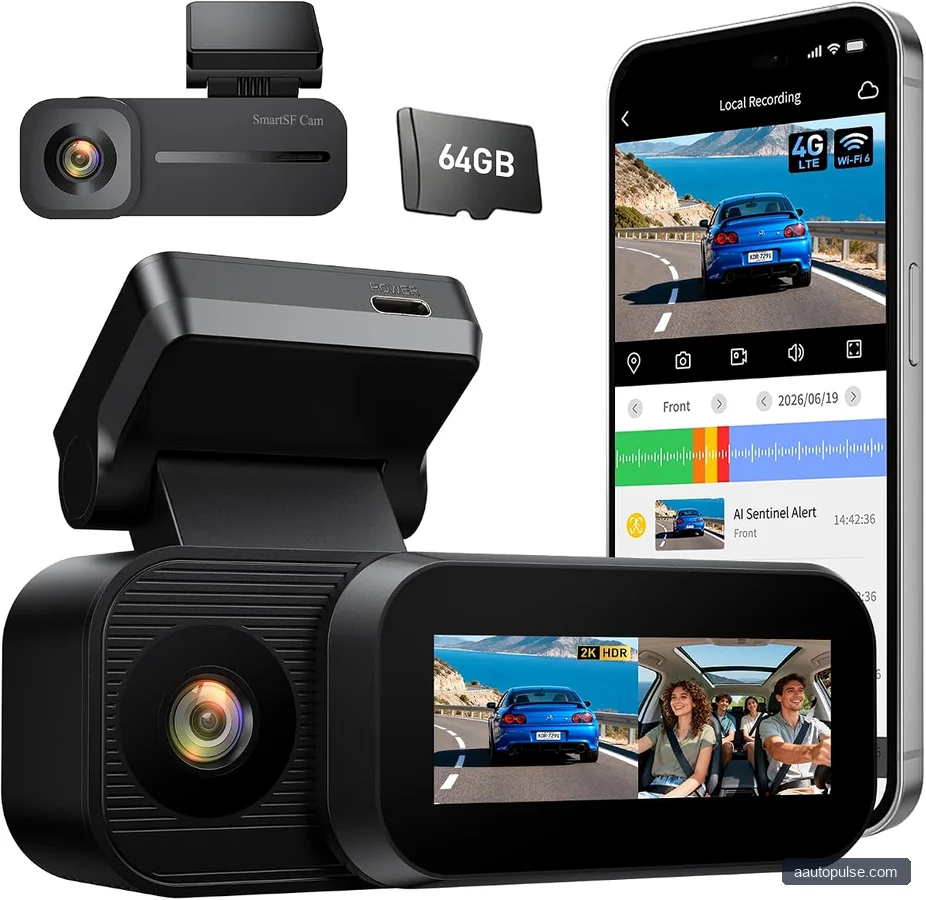
The best cellular dash cam is the one that fits your parking pattern, driving habits, and comfort with technology. A commuter who parks in a garage may need less than a rideshare driver or someone who leaves a car on the street every night. Think about where the car spends most of its time, not just how you drive it.
If you want simple remote monitoring, a dash cam that connects to phone may be enough. If you want stronger security, look for LTE, cloud storage, and GPS together. If you manage more than one car, consider whether the app can handle multiple vehicles and alerts in one place.
- Decide your main goal. Choose between theft protection, parking monitoring, trip recording, or fleet oversight.
- Check connection type. Look for LTE if you want true remote access, or phone tethering if you only need basic app control.
- Review storage options. Local storage is useful, but a dash cam with cloud storage can add backup protection.
- Confirm GPS support. A dash cam gps tracking feature helps with route logs and event location data.
- Verify power needs. Parking mode often needs hardwiring, a battery pack, or another stable power source.
Comparison: Which Type of Connected Dash Cam Should You Pick?
Use this simple comparison to narrow down your choice. It is not a list of specific products, but it can help you match the feature set to your use case.
| Type | Best Use | Main Advantage | Main Trade-Off |
|---|---|---|---|
| Phone-connected dash cam | Simple app-based control and clip review | Easy to manage from your phone | Usually less capable for true remote security |
| LTE cellular dash cam | Live monitoring and remote alerts | Works even when you are away from the car | May need data service or subscription |
| Cloud-enabled dash cam | Evidence backup and incident history | Protects footage from card loss or tampering | Cloud features may depend on ongoing service |
| GPS tracking dash cam | Trip logs and location evidence | Adds context to recorded events | GPS alone is not full remote security |
Who should choose what? Choose a phone-connected camera if you want ease and basic control. Choose LTE if you want the strongest real-time security. Choose cloud storage if backup matters most. Choose GPS if you need route and location records with your footage.
Setup Tips, Cautions, and Common Problems
Even a great connected dash cam can underperform if setup is weak. Power loss, poor cellular signal, and app issues are the most common reasons users feel disappointed. A careful install can solve many of these problems before they start.
If your car will sit for long periods, parking mode and stable power are especially important. A hardwire kit or other approved power method is often needed, but follow the camera instructions and your vehicle’s electrical guidance. When in doubt, check the owner’s manual or ask a qualified installer.
Common issues and what to check
- No live view: Confirm the camera has signal and the app is logged in.
- Delayed alerts: Check cellular coverage, notification settings, and data permissions.
- Missing clips: Review storage limits, overwrite settings, and cloud sync status.
- Parking mode failures: Verify power supply, voltage cutoff settings, and installation quality.
- Poor GPS data: Make sure the camera has a clear view of the sky and enough time to lock signal.
Caution: A cellular connection does not guarantee constant monitoring. Live access can be affected by signal strength, app service status, and vehicle power. For the best protection, treat the system as a security aid, not a complete replacement for locks, alarms, or safe parking habits.
FAQ
Is a cellular dash cam worth it for everyday drivers?
It can be, especially if you often park in public places or want to check your vehicle remotely. For drivers who mostly park at home and only want incident recording, a non-cellular dash cam may be enough. The value depends on how much you need live alerts and remote access.
What is the difference between a dash cam LTE model and a regular Wi-Fi model?
A dash cam LTE model can use mobile data to stay connected away from your car, while a Wi-Fi model usually needs you to be near the vehicle. That means LTE is better for real-time alerts and remote checks. Wi-Fi is fine for local file transfers and setup, but it is not the same as always-available cellular access.
Do I need GPS if I already have cloud storage?
They serve different purposes. Cloud storage helps protect footage, while GPS adds location and trip context. Many drivers prefer both together because the combination makes incidents easier to review and document.
Can a cellular dash cam work as a live view dash cam from my phone?
Yes, if the model supports remote streaming or live viewing through its app. That said, live viewing depends on signal quality, power, and the camera’s specific feature set. Always confirm the remote viewing function before buying if that is your main goal.
What should I verify before installation?
Check power requirements, parking mode support, memory card limits, app compatibility, and whether the vehicle needs a hardwire kit. If your setup ties into the fuse box or other electrical systems, follow the product instructions carefully and verify any vehicle-specific notes in the owner’s manual.
Final Verdict: Who Should Buy a Cellular Dash Cam?
A cellular dash cam makes the most sense for drivers who want more than just recorded footage. If you need live alerts, remote access, and better parking security, look for LTE, app support, GPS, and cloud backup together. If you only want simple event recording, a standard dash cam may be enough.
Start by deciding whether your top priority is a dash cam that connects to phone, a dash cam gps tracking setup, or a full dash cam with cloud storage. Then compare the app, connection type, and power needs before you buy. The right choice is the one that fits your daily parking habits and gives you confidence when you leave the car behind.