The best wireless Apple CarPlay adapter for Mercedes depends on your 2026 model’s factory setup and your priorities: seamless hands-free use, small form factor, or universal USB compatibility. If your Mercedes only supports wired CarPlay, a plug‑and‑play adapter can convert that connection to wireless. Below you’ll find clear buying criteria, top adapter options that fit common Mercedes setups, a concise comparison table, and step‑by‑step installation and troubleshooting tips.
📖 Table of Contents
Products mentioned
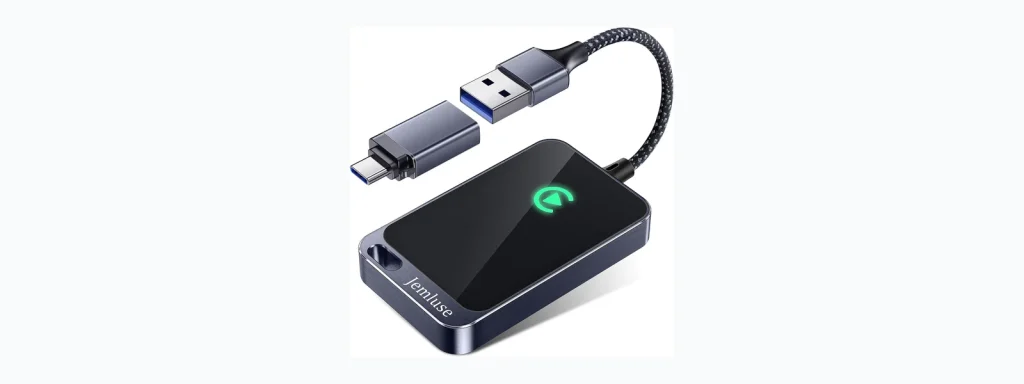
- Jemluse Wireless CarPlay Adapter for Apple iPhone
View current product details - Wireless CarPlay Adapter for Apple iPhone, Plug & Play USB-A/Type-C Port
View current product details - Wireless Carplay Adapter for iPhone Latest Upgrade, Tiny Bluetooth Receiver Convert Wired to Wireless for Apple Car Play Plug & Play, Zero-Lag Media GPS Works w
View current product details - Burnt Sugar Wireless Carplay Adapter for iPhone 2026 Upgraded, Ultra-Mini USB for Apple Car Play Convert Wired to Wireless, Stable Low-Lag GPS Plug & Play for i
View current product details - 2026 Wireless CarPlay Adapter for iPhone & Android Device
View current product details - Wireless Carplay Adapter, Suitable for Vehicles Equipped with Cabled CarPlay, Plug and Play Feature enables Fast and Stable CarPlay Wireless Connection, Suitabl
View current product details
Availability, specifications, and prices can change; verify them on the product page.
📌 Key Takeaways
- Confirm whether your 2026 Mercedes already has wireless CarPlay—an adapter is only useful if your car uses wired CarPlay via USB.
- Look for plug‑and‑play adapters with the right USB connector (A or C), stable Wi‑Fi handoff, and clear compatibility notes from the seller.
- Popular options include compact USB dongles like Jemluse and Burnt Sugar models; choose based on port type and reported stability.
- Follow a simple pairing flow and keep the adapter’s firmware updated; common fixes include re-plugging, resetting Bluetooth, or trying a different USB port.
How wireless adapters work with Mercedes

Wireless CarPlay adapters act as a bridge between your iPhone and the car’s wired CarPlay interface. Instead of plugging the phone into the USB port, the adapter plugs into that port and creates a local wireless link (usually Wi‑Fi plus Bluetooth negotiation) so the head unit thinks the phone is connected by cable. This works only if the Mercedes infotainment system supports wired CarPlay to begin with.
Before buying, check your Mercedes owner manual or the infotainment settings to confirm whether CarPlay is wired-only, already wireless, or requires a dealer activation. If the car already provides native wireless CarPlay, an adapter is unnecessary.
Choosing the best wireless apple carplay adapter for mercedes
Not all adapters are equal. For Mercedes owners you should prioritize compatibility, connection stability, and physical fit in the vehicle’s USB port. Consider whether your vehicle has USB‑A, USB‑C, or a proprietary dock and choose a dongle that plugs in cleanly without blocking other ports.
Selection criteria
- Compatibility: Confirms it converts wired CarPlay to wireless and lists iPhone models or iOS versions where available.
- Port type: USB‑A vs USB‑C — match your Mercedes’ port or use a reliable adapter cable.
- Connection stability: Look for seller notes about low lag, quick reconnection, and stable GPS/navigation handoff.
- Size and fit: Small dongles reduce the chance of damage and keep your console tidy.
- Support & updates: Ability to update firmware or clear pairing history helps long‑term reliability.
Top adapter options for Mercedes (concise comparison)
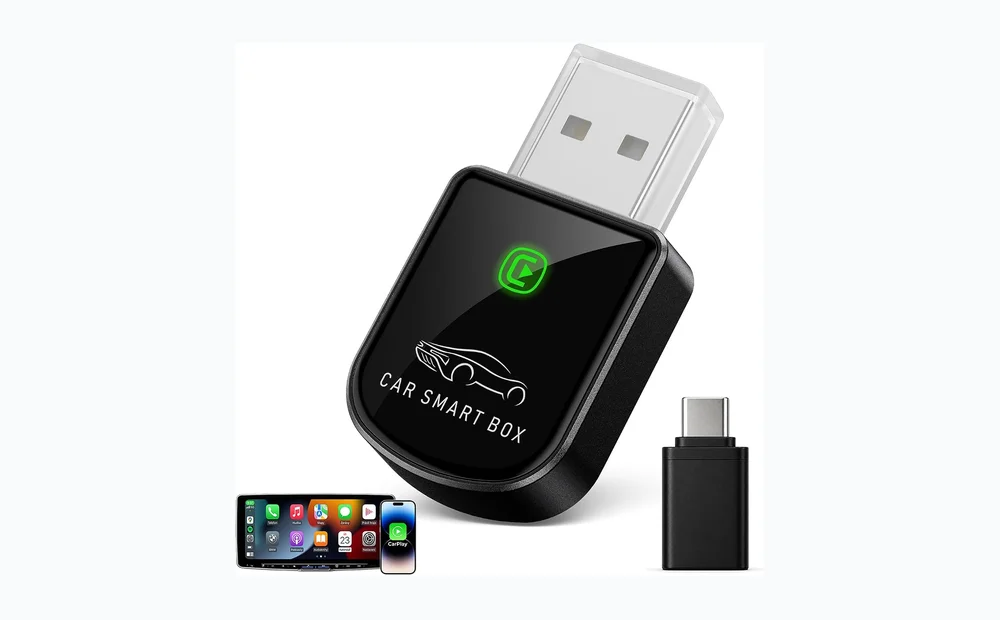
Below are commonly available adapter listings that address the typical needs of Mercedes drivers converting wired CarPlay to wireless. These product names appeared in marketplace listings and are representative options; verify the most current compatibility details on the seller page before purchase.
| Adapter | Best for | Strengths | Limitations |
|---|---|---|---|
| Jemluse Wireless CarPlay Adapter | Balanced stability and size | Small dongle, marketed as plug‑and‑play, reports of solid reconnection | Verify USB type and firmware update path before buying |
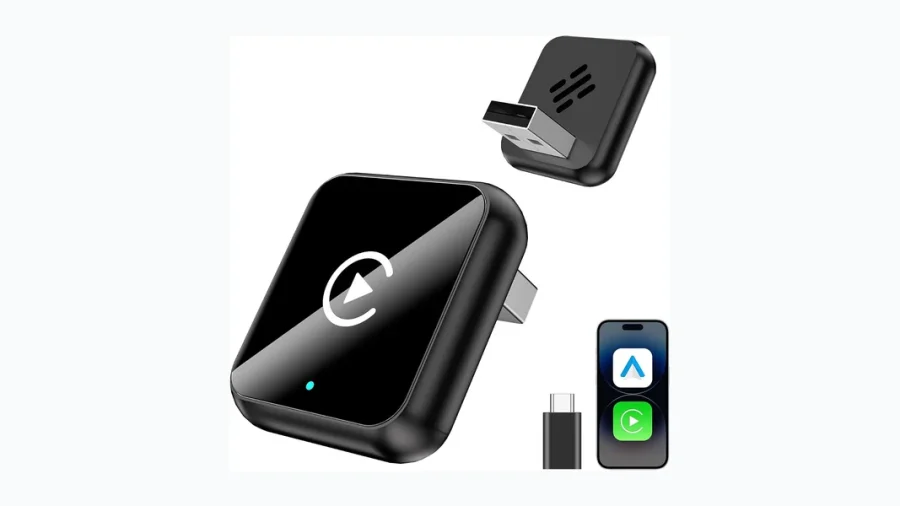
| Burnt Sugar Wireless Carplay Adapter (2026 upgraded) | Ultra‑mini profile for tight USB ports | Very compact design focused on low lag and GPS handoff | Compact size can make firmware access or LED indicators harder to see |
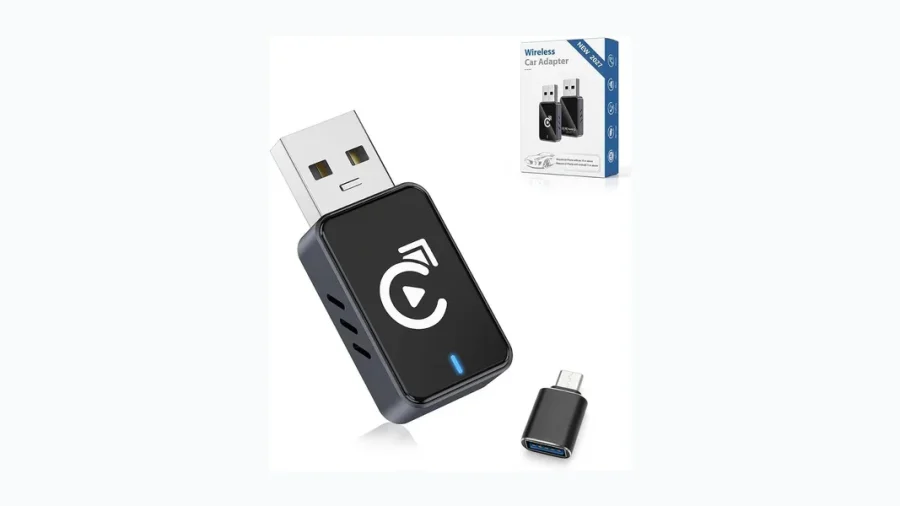
| Wireless CarPlay Adapter, Plug & Play USB-A/Type-C Port | Drivers who want choice of port type | Offers options for USB‑A and USB‑C versions; simple setup described | Generic listings vary — check seller details and return policy |
| 2026 Wireless CarPlay Adapter for iPhone & Android Device | Shared‑use households (iPhone + Android) | Marketed as compatible with iPhone and Android Auto (where head unit supports it) | Android Auto compatibility depends on car head unit support |
Product strengths and limitations — quick notes
- Strengths: Most adapters are tiny, plug in easily, and remove cable clutter while enabling hands‑free navigation and voice control.
- Limitations: They rely on the head unit’s wired CarPlay implementation; some cars may require dealer activation for CarPlay or have unstable USB power that affects the adapter.
Who should choose what
- If you want the smallest footprint and have a tight console area: consider ultra‑mini models such as the Burnt Sugar listing.
- If you need flexibility with USB port types: pick a plug‑and‑play adapter that explicitly offers USB‑A and USB‑C options.
- If you occasionally use Android Auto too: choose a dual‑platform adapter labeled for both iPhone and Android, but confirm Android functionality for your head unit.
- If stability and reconnection are top priorities: favor models with seller notes about low lag and reliable reconnection, and ensure firmware update support.
Installation & setup in a Mercedes — step-by-step
- Confirm the car supports wired CarPlay and locate the active USB port used for CarPlay (consult the manual).
- Plug the adapter into that USB port. If the adapter requires a specific orientation, insert it fully but gently.
- Turn the car and the infotainment system on. On your iPhone, go to Settings > General > CarPlay and look for the car name, or follow the adapter pairing prompts.
- Allow Bluetooth pairing on your iPhone if prompted, then accept any Wi‑Fi connection the adapter requests. The head unit should recognize CarPlay wirelessly.
- Test navigation, phone calls, and music to check for audio routing and GPS stability. If the connection drops, re‑start the phone and head unit, then re‑attempt pairing.
Caution: Some Mercedes models use a rear USB or a power-only USB port. If CarPlay doesn’t engage, try other USB ports or consult your dealer for the correct port.
Troubleshooting and common limitations
Wireless adapters are a convenience add-on, so expect occasional hiccups. Here are common issues and practical fixes.
- No CarPlay icon: Ensure the adapter is in the correct CarPlay USB port and the iPhone has CarPlay enabled in settings.
- Intermittent audio or dropped connection: Try another USB port or a powered USB hub; poor USB power can cause drops.
- Navigation not updating: Toggle Wi‑Fi on the iPhone after pairing; some adapters need the phone’s Wi‑Fi active for map data.
- Multiple devices competing: Forget other Bluetooth devices and re-pair only the phone used for CarPlay.
FAQ
- Will any wireless adapter work with my 2026 Mercedes? Only if the Mercedes supports wired CarPlay via a USB port. Check the manual and your infotainment settings before buying.
- Do adapters require a specific iPhone model or iOS? Sellers often list compatible iOS versions; check the adapter’s product page and confirm it supports your iOS version before purchase.
- Is there latency that affects navigation or voice calls? Many adapters advertise low lag, but experience can vary by car and phone. Look for seller notes about stability and firmware update options.
- Should I buy a USB‑A or USB‑C adapter? Match the adapter to the car’s USB port. If your Mercedes has USB‑C, choose a USB‑C adapter or use a high‑quality adapter cable.
Conclusion — practical next step
Start by confirming whether your Mercedes 2026 model already supports wireless CarPlay. If it doesn’t, pick an adapter that matches your car’s USB port and priorities: ultra‑compact (Burnt Sugar) for tight spaces, balanced options (Jemluse) for day‑to‑day reliability, or a dual USB type model for flexibility. Before purchasing, review the seller’s compatibility notes and return policy so you can swap models if needed.