If you own a Tesla and want Apple CarPlay, know this up front: Tesla vehicles don’t offer CarPlay natively. That changes your buying path. The best wireless Apple CarPlay adapter for Tesla buyers is often not a simple dongle — it’s either a Tesla-specific CarPlay module or a wireless CarPlay adapter paired with a dedicated CarPlay-compatible module. Below I’ll explain the real options, compare popular wireless adapters you’ll see online, and give clear buying and installation guidance so you pick a solution that actually works with your Tesla.
📖 Table of Contents
- Finding the best wireless apple carplay adapter for tesla: the reality
- How wireless CarPlay adapters work — and why many don’t work alone in a Tesla
- Types of CarPlay solutions Tesla buyers should consider
- Comparison: common wireless CarPlay adapters and how they fit into a Tesla setup
- Selection criteria: what to check before you buy
- Strengths, limitations, and who should choose what
- Installation tips, troubleshooting steps, and cautions
- FAQ
Products mentioned
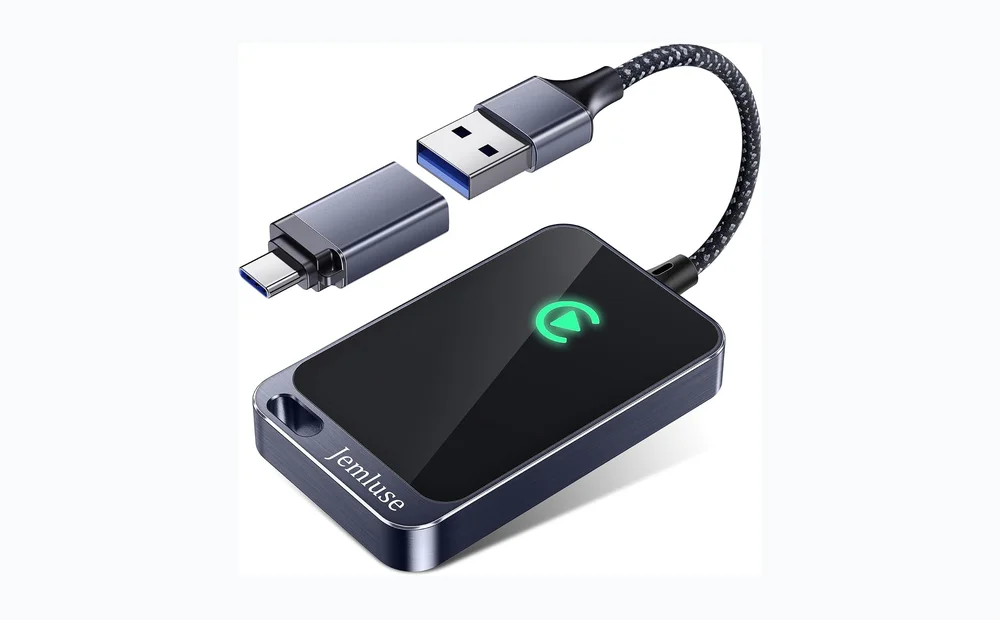
- Jemluse Wireless CarPlay Adapter for Apple iPhone
View current product details - Burnt Sugar Wireless Carplay Adapter for iPhone 2026 Upgraded, Ultra-Mini USB for Apple Car Play Convert Wired to Wireless, Stable Low-Lag GPS Plug & Play for i
View current product details - Wireless Carplay Adapter for iPhone Latest Upgrade, Tiny Bluetooth Receiver Convert Wired to Wireless for Apple Car Play Plug & Play, Zero-Lag Media GPS Works w
View current product details - for Apple Carplay Wireless Adapter, 3X Fast Auto-Connect, No Latency, Plug&Play, Wireless Carplay Adapter, 2026 Mini Car Play Dongle for iPhone 6~17, Fit for 92
View current product details - Wireless CarPlay Adapter,Supports iPhone & Android Phones
View current product details - 2026 Wireless CarPlay Adapter for iPhone & Android Device
View current product details
Availability, specifications, and prices can change; verify them on the product page.
📌 Key Takeaways
- Tesla does not support Apple CarPlay out of the box; generic wireless CarPlay dongles typically require a head unit that already supports wired CarPlay.
- For Tesla owners, the realistic paths are (A) a Tesla-specific CarPlay integration box or (B) a third-party CarPlay module that you attach to the Tesla display, then use a wireless adapter.
- Popular adapters such as Jemluse Wireless CarPlay Adapter for Apple iPhone and Burnt Sugar Wireless Carplay Adapter advertise plug-and-play and low-lag features—but they only solve wired-to-wireless conversion.
- Check compatibility, return policy, and vendor support before buying. Verify whether the adapter will work with the additional CarPlay module or installation you plan to use in your Tesla.
Finding the best wireless apple carplay adapter for tesla: the reality
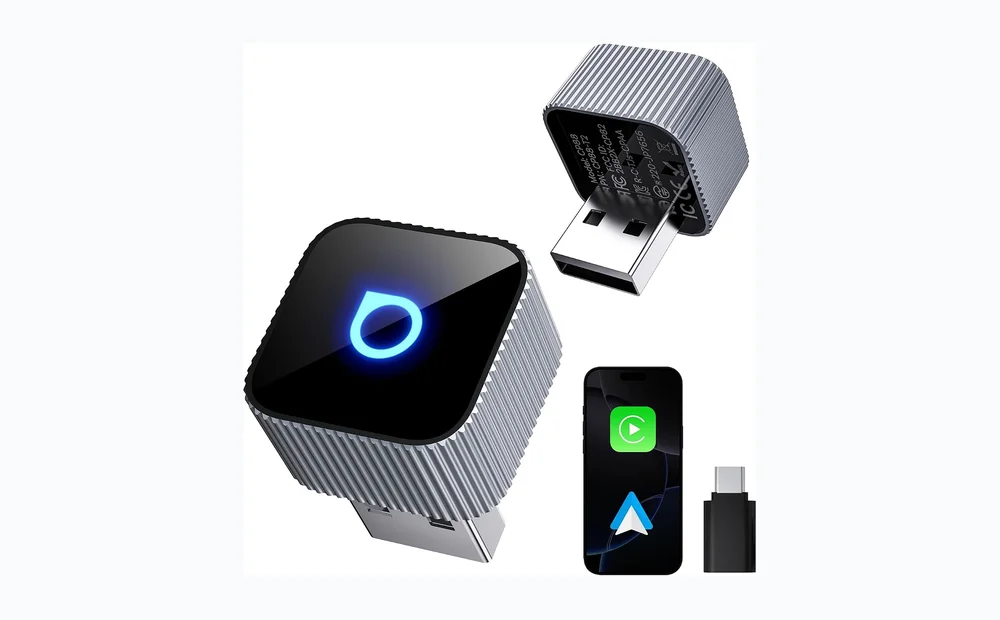
Short answer: a standard wireless CarPlay dongle alone is unlikely to give you CarPlay in a Tesla. Most USB-style wireless adapters convert an existing wired CarPlay connection into a wireless one. Since Tesla’s infotainment system has no native wired CarPlay port, plug-and-play adapters won’t create CarPlay from nothing.
If you want seamless Apple CarPlay in a Tesla, plan for one of two routes: a Tesla-targeted CarPlay integration kit sold by specialist vendors, or an external CarPlay module that provides a wired CarPlay input you can then make wireless with an adapter.
How wireless CarPlay adapters work — and why many don’t work alone in a Tesla
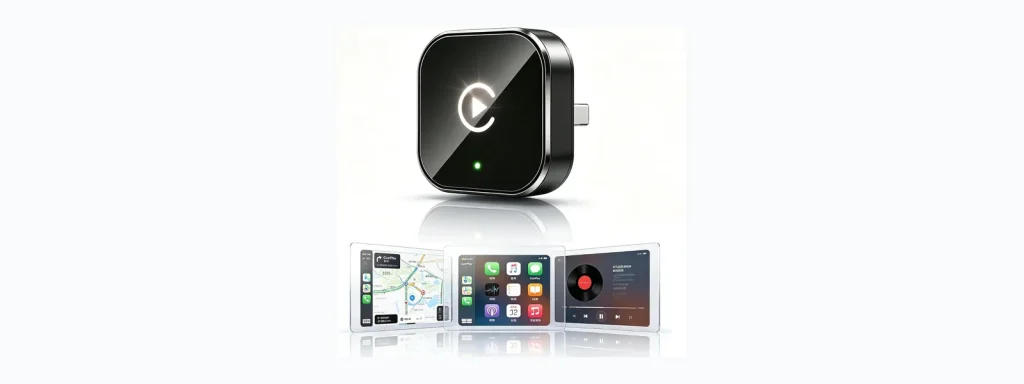
Wireless CarPlay adapters are small USB or USB-C dongles that emulate a wireless CarPlay connection to an iPhone while connecting to a vehicle’s head unit via USB. Their typical job is to replace a phone’s USB cable with a wireless link.
Listings like Jemluse Wireless CarPlay Adapter for Apple iPhone, Burnt Sugar Wireless Carplay Adapter for iPhone 2026 Upgraded, and similar “tiny Bluetooth receiver” dongles advertise plug-and-play, auto-connect, and low-lag media/GPS. Those claims refer to cars that already expose wired CarPlay to the dongle.
Types of CarPlay solutions Tesla buyers should consider
- Tesla-specific CarPlay modules — Hardware made to integrate with Tesla displays or the vehicle’s wiring. These are designed specifically to add CarPlay functionality.
- External CarPlay boxes/modules — Standalone units that provide a wired CarPlay interface. You mount or connect the module to the Tesla screen and then can use a wireless adapter to remove the cable.
- Screen-mirroring apps and streaming boxes — Some solutions mirror your phone to the Tesla browser or use an HDMI-over-USB box. These can mimic CarPlay features but are not official CarPlay.
Which route you choose depends on budget, how permanent you want the installation to be, and whether you want official CarPlay behavior (Siri, Apple Maps, native apps).
Comparison: common wireless CarPlay adapters and how they fit into a Tesla setup
| Product | Advertised strengths (from listings) | Good if you have… | Limitations for Tesla buyers |
|---|---|---|---|
| Jemluse Wireless CarPlay Adapter for Apple iPhone | Marketed as a wireless CarPlay dongle for iPhone | An aftermarket CarPlay-enabled module or head unit already offering wired CarPlay | Won’t add CarPlay to Tesla by itself; needs a wired CarPlay host |
| Burnt Sugar Wireless Carplay Adapter for iPhone 2026 Upgraded | Ultra-mini USB, plug & play, claims of stable low-lag | A vehicle or external box that exposes a wired CarPlay USB port | Claims of low-lag are marketing language; verification required with your setup |
| Wireless CarPlay Adapter for iPhone Latest Upgrade, Tiny Bluetooth Receiver | Promoted as zero-lag media/GPS and plug & play | Aftermarket CarPlay module owners who want wireless convenience | Not a standalone CarPlay source for Tesla systems |
| 3X Fast Auto-Connect Mini Car Play Dongle (listing title) | Auto-connect and mini form factor | Drivers who already have CarPlay wired connection to a head unit | Auto-connect behavior varies across phone models and iOS versions |
| Wireless CarPlay Adapter, Supports iPhone & Android Phones | Cross-platform claims | Users who want flexibility for Android Auto and CarPlay in supported cars | Android functionality and Tesla integration must be confirmed with vendor |
Selection criteria: what to check before you buy
- Tesla compatibility: Confirm the adapter or module explicitly supports your Tesla model/year or that you’ll pair it with a confirmed Tesla CarPlay kit.
- Host requirement: Understand whether the adapter needs a wired CarPlay host. If it does, you’ll still need a CarPlay module or a head unit that provides USB CarPlay.
- Auto-connect and latency: Look for clear vendor statements about auto-reconnect and real-world latency; these are commonly advertised but vary by setup.
- Firmware updates and support: Choose vendors who provide firmware updates and clear support channels. Adapters occasionally need firmware to maintain compatibility with iOS updates.
- Power and ports: Check how the adapter draws power and whether it blocks adjacent USB ports on your Tesla.
- Return policy: Because Tesla setups are non-standard, buy from sellers that offer easy returns if the adapter won’t work with your installation.
Strengths, limitations, and who should choose what
Strengths of wireless CarPlay dongles:
- Small, inexpensive way to remove a USB cable where CarPlay is already available.
- Some listings promise fast auto-connect and low lag for a near-native feel.
Limitations in the Tesla context:
- Most dongles cannot add CarPlay to a Tesla by themselves—Tesla’s system lacks a native wired CarPlay host.
- Compatibility with iOS updates is vendor-dependent.
Who should choose what:
- Tesla owners who want the simplest path: Look for a Tesla-specific CarPlay integration kit from a specialist vendor. These kits are made to work with Tesla wiring and screens.
- Tesla owners comfortable with aftermarket installs: Buy a reliable external CarPlay module, have it installed, then use a wireless adapter (e.g., Jemluse or Burnt Sugar) to eliminate the cable.
- Owners who prefer no permanent mods: Consider screen-mirroring apps or streaming boxes as a temporary option, but expect different behavior from true CarPlay.
Installation tips, troubleshooting steps, and cautions
- Confirm compatibility: check the adapter’s product page and vendor support for Tesla-specific guidance before ordering.
- Plan the host: if your adapter needs wired CarPlay, secure a compatible CarPlay module or have an installer do the work.
- Test before permanent mounting: use temporary connections first to confirm audio, mic, and steering-wheel controls work as expected.
- Keep firmware updated: vendors may post firmware that fixes iOS compatibility or connection issues.
- Have a fallback: make sure you can revert to the stock Tesla system if something behaves unpredictably.
Cautions: avoid sellers who make blanket compatibility claims for Tesla without clear proof. If a vendor cannot confirm your model and iOS version, proceed cautiously and prioritize return-friendly purchasing options.
FAQ
-
Q: Can I plug a wireless CarPlay dongle directly into my Tesla USB port?
A: Usually no. Most dongles require a head unit that exposes wired Apple CarPlay over USB. Tesla’s system does not provide that host by default.
-
Q: Will a wireless adapter like Jemluse or Burnt Sugar add CarPlay to my Tesla?
A: Not by itself. Those adapters convert wired CarPlay to wireless. They can work if you first add a CarPlay-capable module or kit to your Tesla.
-
Q: Are there Tesla-specific CarPlay kits?
A: Yes—third-party vendors sell Tesla-targeted CarPlay integration boxes. Check reviews, support, and return policies before buying, as implementations differ.
-
Q: What if I just want Apple Maps and music?
A: You can use phone mirroring or Bluetooth for music and use the iPhone’s navigation for directions, but it won’t behave exactly like native CarPlay.
Conclusion — practical next step
If you want Apple CarPlay in a Tesla, start by confirming whether you want a permanent integration or a temporary workaround. If permanent, research Tesla-specific CarPlay kits and check seller support. If you prefer a plug-and-play vibe and already plan to add a CarPlay module, pick a wireless adapter such as the Jemluse or Burnt Sugar listings to eliminate cable clutter—but verify compatibility and return options first. Contact the vendor with your Tesla model/year and iOS version before buying.